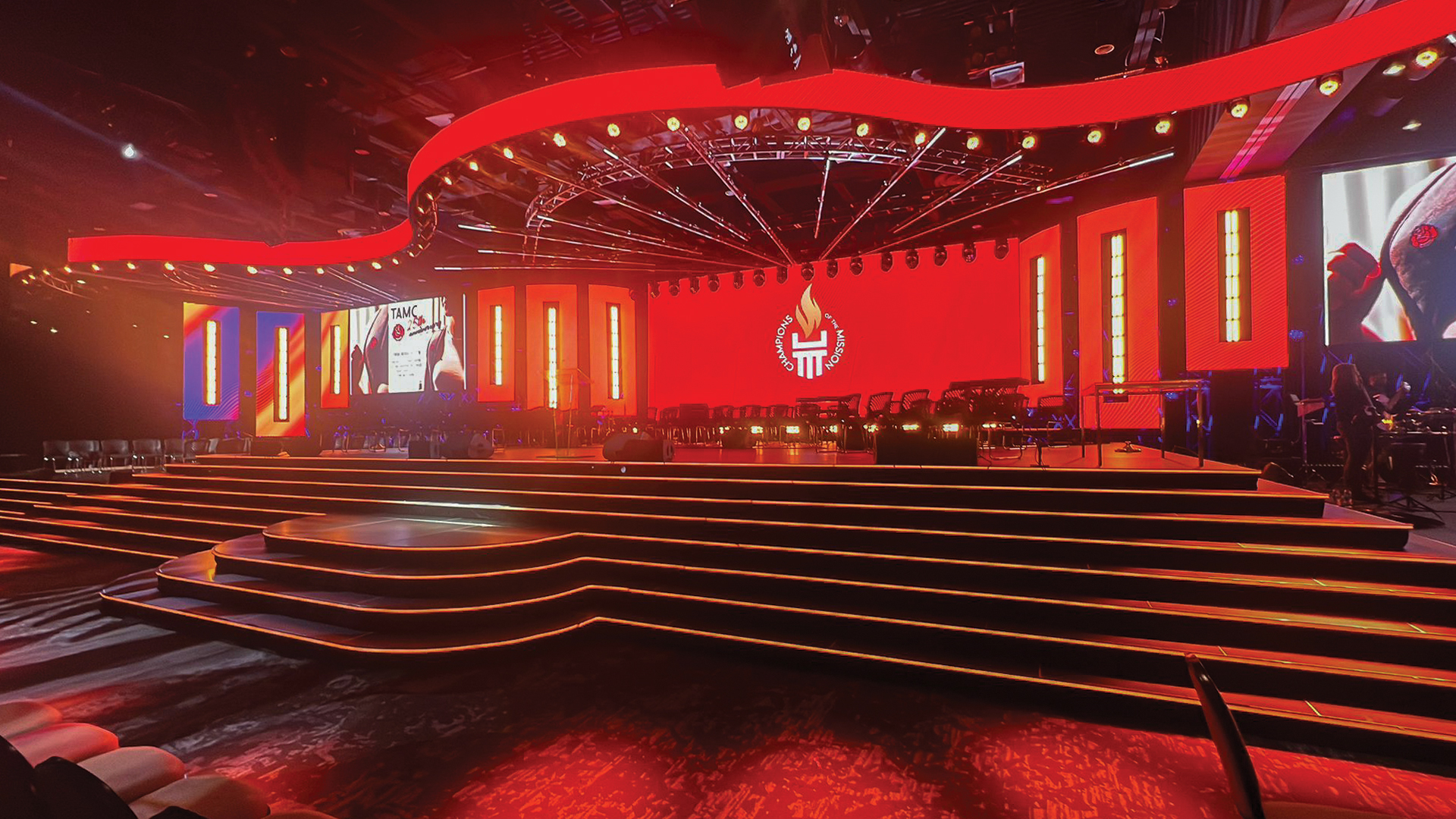
Every LED wall looks stunning to the naked eye. The pixels pop, the blacks are deep, the colours vibrate with a life that projectors can’t match. Then a broadcast camera points at it and the entire image collapses into a flickering, colour-shifted mess of banding and moiré. This is one of the most technically frustrating — and frequently misunderstood — problems in contemporary live production, and solving it requires understanding the physics of both display technology and camera sensors simultaneously.
Why the Problem Exists: Physics First
LED panels refresh themselves at a set frequency — the refresh rate, measured in Hertz. Consumer panels typically run at 3,840 Hz or higher. Broadcast-grade LED processors like the Brompton Technology Tessera SX40 or ROE Visual’s processing systems can push panels into high-refresh configurations exceeding 7,680 Hz using features like Brompton’s HDMI Refresh Boost. Camera sensors, meanwhile, scan the image sensor in a sequential pattern called a rolling shutter. When the camera’s scan frequency doesn’t align with the LED panel’s refresh cycle, you get banding — horizontal dark lines rolling through the image. It’s not a fault; it’s physics.
The second culprit is PWM dimming — Pulse Width Modulation. Most LED panels dim their output not by reducing current to the LEDs continuously, but by switching them on and off at high speed. At low brightness levels, the duty cycle shrinks, meaning the LEDs are off for a greater proportion of each cycle. Camera sensors sampling during the ‘off’ portions capture darker images, causing colour shift and luminance flicker that’s invisible to the human eye but merciless under a camera shutter
The Brompton Approach: OSCA and Refresh Rate Control
Brompton Technology’s OSCA (One Shot Colour Accuracy) system, combined with their Tessera processor line, represents the current benchmark for camera-matched LED performance. OSCA uses a spectrometer to measure actual panel output and creates a per-panel calibration profile that compensates for manufacturing variance between cabinets. The result is a wall where colour consistency is maintained panel-to-panel at a level that survives close camera scrutiny.
Beyond calibration, the Tessera’s Refresh Rate and Shift Clock controls allow operators to synchronise the panel’s refresh to a camera-compatible frequency. Working at 25fps PAL broadcast standards? Lock your refresh to a multiple of 25 — 3,900 Hz or 7,800 Hz are common targets. For 23.976 NTSC environments, the mathematics shift accordingly. The goal is ensuring the camera sensor’s scan completes full cycles within the LED’s refresh window.
Setting Up for Camera: A Practical Checklist
The pre-show camera compatibility process starts with knowing your camera package. ARRI AMIRA, Sony Venice 2, RED Komodo, and broadcast workhorses like the Sony PXW-Z750 all have different sensor characteristics. Shutter angle and shutter speed interact with LED refresh in specific ways — a 180-degree shutter at 25fps corresponds to a 1/50s exposure. Your LED refresh rate must complete enough cycles within that exposure window to average out smoothly.
For XR (Extended Reality) productions using LED volumes — a workflow that companies like Disguise, Pixotope, and Ncam have helped normalise — the requirements are even stricter. Genlock synchronisation between the camera’s timecode, the tracking system, and the LED processor becomes mandatory. Any phase offset between these systems manifests as virtual background swimming — the background appears to drift independently of the physical set, breaking the illusion entirely.
Colour Science: The LUT and White Point Problem
Even with refresh rates perfectly matched, colour accuracy under camera requires separate attention. LED panels have a wide colour gamut — many exceed DCI-P3 — but cameras are calibrated to specific colour spaces like Rec. 709 or Rec. 2020. Content mastered on a grading monitor calibrated to D65 white point may appear warm, cool, or simply wrong when the camera’s AWB (Auto White Balance) chases the LED wall’s actual CCT (Correlated Color Temperature).
The solution involves a LUT (Look-Up Table) pipeline baked into the content creation workflow. Some productions use Brompton’s Hydra measurement system to generate panel-specific correction LUTs that are applied at the media server output stage — typically within disguise’s colour management layer. Others work with DIT (Digital Imaging Technicians) to grade content specifically for LED output, treating the wall like a display device in a colour-managed pipeline from the start.
Practical Tips From the Road
Productions running ROE Visual Black Onyx or INFiLED AR series panels — both popular in touring broadcast environments — consistently benefit from raising brightness above the minimum threshold where PWM dimming becomes problematic. Counterintuitively, running panels at 60–70% brightness and pulling camera iris down often produces cleaner results than running panels at 20% and opening iris to compensate. The PWM duty cycle at 60% is dramatically cleaner than at 20%.
The moire pattern problem — the interference pattern caused by the camera sensor’s pixel pitch interacting with the panel’s pixel pitch — is best addressed through lens choice and camera distance rather than post-processing. A longer focal length at greater distance tends to reduce moire compared to a wide lens close to the wall. Many XR studios now specify minimum camera-to-wall distances in their technical riders for exactly this reason.
The Bottom Line for Production Teams
Preventing LED wall colour shift under camera is not a single-step fix — it’s a system-level discipline that spans content creation, panel processing, camera configuration, and colour pipeline management. Productions that get this right invest in pre-production camera tests on the actual panel configuration, not assumptions. The LED processor, the content codec, the camera package, and the white point strategy must all be considered as a unified system — and the engineer who understands all four is worth their weight in ROE Black Pearl pixels.
